At New Windsor we try to make it easier for parents to complete permission slips, make donations, view and make payments for all your child’s activities.
For first time users you need to register for a kindo account. All you need is the email address which matches the one registered with New Windsor.
Use Kindo online to make full or part payments for all school activities and donations, register and pay for school sports teams, support fundraisers and complete permission slips.
Choose to pay as you go, add funds to your Kindo account in advance, use internet banking, account2account or Visa/Mastercard (fees apply).
Please contact the school office on (07) 542 4550, or contact the Kindo helpdesk on freephone 0508 454 636, or email: hello@mykindo.co.nz
Parents, please support our local businesses









Visit Website

Call Direct

Send Email
Visit Website
Call Direct
Send Email
Visit Website
Call Direct
Send Email
Visit Website
Call Direct
Send Email
Visit Website
Call Direct
Send Email
Visit Website
Call Direct
Send Email
Visit Website
Call Direct
Send Email
Visit Website
Call Direct
Send Email
Visit Website
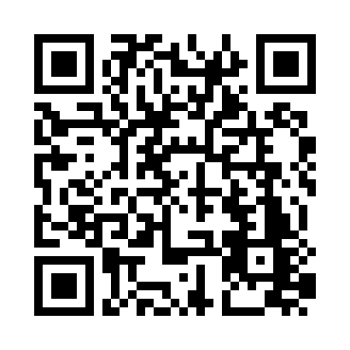
Scan this code to download the app
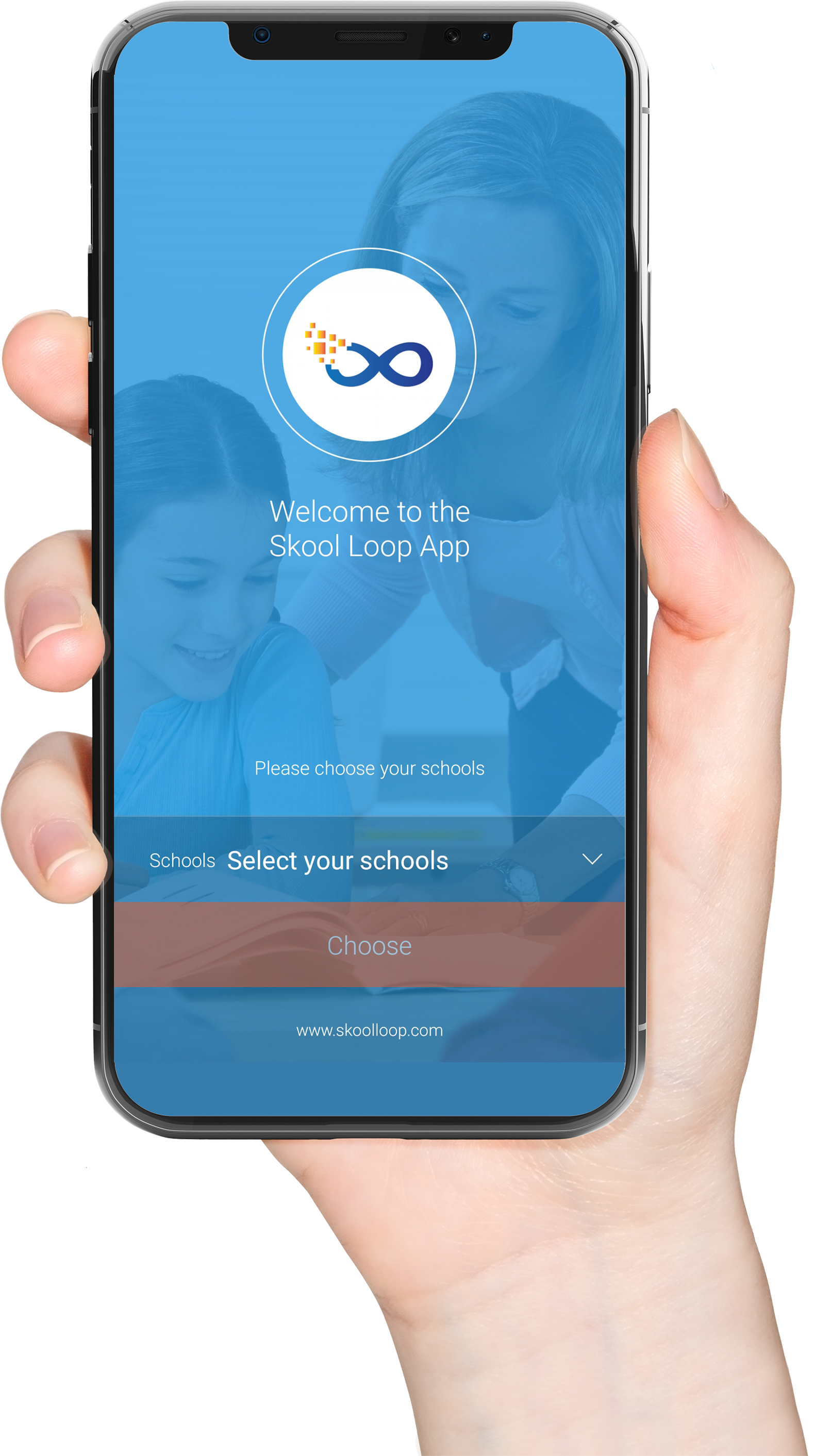
Download our Skool Loop App, a simple and free download. In Google Play & App Store search ‘Skool Loop’ and choose our school once installed.